

Photorealistic mockups transform how tech accessory brands connect with buyers online. These lifelike digital images showcase phone cases, AirPods covers, and gadgets in realistic settings, building trust and increasing perceived quality by up to 30%. For entrepreneurs selling tech accessories, mastering mockup use means higher conversions, fewer returns, and stronger brand identity. This guide reveals how to choose, customize, and deploy mockups to maximize your online sales impact.
Table of Contents
- Understanding Photorealistic Mockups In Digital Branding
- How Photorealistic Mockups Enhance Buyer Perception And Sales
- Static Vs Animated Mockups: Choosing The Right Format For Your Brand
- Customization Strategies For Maintaining Brand Consistency
- Common Misconceptions About Mockups In Digital Branding
- Technical Tips For Integrating Mockups In E-Commerce And Marketing
- Choosing And Evaluating Mockup Platforms For Tech Accessory Entrepreneurs
- Bridging Understanding To Practical Application: Next Steps For Entrepreneurs
- Explore Premium Mockups To Elevate Your Tech Accessory Brand
Key takeaways
| Point | Details |
|---|---|
| Photorealistic mockups boost consumer trust | High-quality visuals increase trust by 30% and improve perceived product value significantly. |
| Customization drives brand consistency | Template-based mockups help 70% of marketers maintain visual branding, while generic images reduce engagement by 18%. |
| Format choice impacts engagement and cost | Animated mockups boost social media engagement by 25% but cost more than static images suitable for product pages. |
| Premium platforms deliver measurable ROI | Specialized mockup providers score 20% higher in satisfaction and can lift sales by 15% compared to generic stock images. |
Understanding photorealistic mockups in digital branding
Photorealistic mockups are digitally created product images that replicate real-world photography with exceptional accuracy. They feature high resolution, authentic lighting, natural shadows, and contextual backgrounds that make products look tangible and desirable. Unlike basic product photos shot against plain backgrounds, these mockups place tech accessories in lifestyle settings that help buyers visualize ownership.
For tech accessory sellers, photorealistic mockups provide realistic visuals that boost perceived quality by 30%. This substantial increase comes from showing products as buyers expect to use them: an iPhone case gripped in a hand, AirPods resting on a desk, or a phone propped against a laptop. Traditional flat-lay images fail to convey this dimensional realism.
These mockups build consumer trust by eliminating the disconnect between expectation and reality. When shoppers see a phone case rendered with accurate reflections and texture, they gain confidence the actual product matches the image. This authenticity is critical in competitive markets where trust differentiates winning brands.
Key features that define quality photorealistic mockups include:
- Accurate scale and proportion matching real product dimensions
- Realistic material textures showing surface details like matte finishes or glossy coatings
- Professional lighting that mimics natural or studio conditions
- Contextual props and backgrounds relevant to target buyers
- Editable layers allowing brand customization without losing photorealism
Understanding what is a product mockup establishes the foundation for leveraging these tools strategically. Mockups simulate real usage environments, letting potential customers mentally place your tech accessories into their daily lives before purchase.
How photorealistic mockups enhance buyer perception and sales
The psychological impact of photorealistic visuals on purchasing decisions is substantial and measurable. Consumer trust increases by 30% with photorealistic visuals, directly translating to higher conversion rates. When shoppers trust what they see, they buy with confidence.
Photorealistic mockups work through several mechanisms. First, they set accurate expectations about product appearance, size, and quality. This clarity reduces post-purchase disappointment and return rates. Second, contextual presentation helps buyers imagine owning and using the accessory, creating emotional connection. Third, professional visuals signal brand legitimacy and quality standards.
Measurable sales benefits include:
- Higher engagement rates on product pages and social media posts
- Increased conversion rates as visual clarity removes buying hesitation
- Reduced return rates when expectations match delivered products
- Stronger brand recall through consistent, professional imagery
- Better advertising performance with eye-catching, realistic visuals
Data shows photorealistic mockups improve perceived product value up to 25%. Buyers instinctively assign higher quality and worth to products presented in lifelike, appealing contexts. A $20 phone case can appear premium when showcased properly.
Pro Tip: Test multiple mockup angles and contexts to find what resonates most with your audience. A lifestyle shot showing your phone case in a coffee shop might outperform a hand-held angle for certain demographics.
Following a mockup design checklist ensures you maximize these psychological triggers. Consider lighting that flatters your product, backgrounds that don’t distract, and angles that showcase key features. Every visual choice either builds or undermines buyer confidence.
Static vs animated mockups: choosing the right format for your brand
Static mockups are single, high-quality images showing your product from one perspective. They’re straightforward to create, work universally across platforms, and load quickly on any device. Most e-commerce product pages rely on static images for their simplicity and effectiveness.
Animated mockups showcase products through multiple angles, rotation, or simulated use. These video-style mockups capture attention on social media feeds and demonstrate product features dynamically. They require more production effort but deliver stronger engagement in crowded digital spaces.
| Factor | Static Mockups | Animated Mockups |
|---|---|---|
| Engagement Level | Moderate, reliable | High, especially on social platforms |
| Production Cost | Lower, faster to create | Higher, requires video editing skills |
| Technical Complexity | Simple, works everywhere | Needs video hosting, larger files |
| Best Use Cases | Product pages, email, print | Social ads, homepage features, campaigns |
| Loading Speed | Fast on all connections | Slower, may impact mobile experience |
Research confirms animated mockups increase social media ad engagement by 25% compared to static images. This boost justifies the extra investment when social media drives significant traffic to your store.
Consider these pros and cons for tech accessory sellers:
Static mockups advantages:
- Quick to customize and deploy across multiple products
- Universal compatibility with all platforms and devices
- Lower bandwidth requirements improve site speed
- Cost-effective for large product catalogs
Animated mockups advantages:
- Command attention in busy social feeds
- Demonstrate product features like case fit or AirPods charging
- Create memorable brand moments that increase recall
- Higher perceived production value signals premium quality
Budget and technical skill matter. If you’re managing dozens of SKUs solo, static iPhone case mockups from template libraries let you scale quickly. If you’re launching a flagship product line with marketing budget, investing in animated AirPods case mockups can justify the expense through improved campaign performance.
Customization strategies for maintaining brand consistency
Generic mockups kill brand identity. When your product images look interchangeable with competitors, you lose the visual differentiation that drives premium pricing and customer loyalty. Customization transforms template mockups into branded assets that reinforce your unique market position.
Modern mockup templates come in PSD and Canva formats with fully editable layers. This flexibility lets you adjust colors, insert logos, change backgrounds, and modify props without Photoshop expertise. The key is systematically customizing every mockup element to match your brand guidelines.
Critical customization elements include:
- Brand colors applied to backgrounds, props, or product accents
- Logo placement that’s visible but not distracting
- Typography matching your brand fonts for any text overlays
- Background environments that reflect your brand personality
- Props and styling that resonate with your target demographic
Data reveals 70% of marketers find template-based mockups simplify consistent branding. Templates provide the structure; customization provides the differentiation. This combination delivers professional results faster than creating mockups from scratch.
The cost of skipping customization is real. Studies show failure to customize reduces engagement by 18%. Generic visuals signal generic products. Buyers scroll past what doesn’t catch their eye or communicate clear brand identity.

Pro Tip: Create a mockup style guide documenting your standard background colors, lighting preferences, and prop choices. This reference ensures every product image maintains consistent brand feeling even as you add new items to your catalog.
Understanding why use product mockups includes recognizing their role as brand ambassadors. Every mockup either strengthens or weakens how customers perceive your business. Invest time in getting customization right once, then replicate that formula across your entire product line.
Common misconceptions about mockups in digital branding
Myth: Real product photos always outperform mockups. Reality: Photorealistic mockups convert better than low-quality photos by 12%. A poorly lit, amateur product photo with distracting backgrounds performs worse than a professional mockup. Quality matters more than whether pixels came from a camera or design software.
Myth: Any mockup template works fine. Reality: Low-quality or poorly customized mockups actively hurt sales. Buyers detect unrealistic lighting, awkward proportions, or generic styling. Only high-quality, properly customized mockups deliver the trust and engagement benefits discussed throughout this guide.
Myth: Mockups replace the need for real product photos. Reality: Smart brands use both strategically. Mockups excel at lifestyle context and brand storytelling. Real photos prove product existence and show fine details like stitching or button placement. Combining both maximizes trust and appeal.
Common misunderstandings clarified:
- Mockups aren’t deceptive when they accurately represent your actual product
- Professional mockups cost less than comparable product photography sessions
- Templates don’t limit creativity; they provide efficient starting points
- Buyers don’t prefer real photos; they prefer clear, trustworthy visuals regardless of creation method
- Mockup quality varies dramatically; premium platforms deliver measurably better results
Understanding proper mockup terminology explained helps distinguish quality templates from substandard options. Terms like “smart object layers,” “displacement maps,” and “editable shadows” indicate sophisticated mockups that maintain realism through customization.
The photorealistic mockups vs real photos conversion data settles the debate: presentation quality trumps creation method. A $50 template customized properly outperforms a $500 amateur photo shoot. Focus on the end result your customers see, not the tools that created it.
Technical tips for integrating mockups in e-commerce and marketing
Using PSD mockups requires basic Photoshop or similar software skills. Open the file, locate the smart object layer, double-click to open it, paste your design, save, and the mockup updates automatically. Canva templates simplify this further with browser-based editing requiring zero software installation.
Technical best practices for e-commerce integration:
- Optimize image file sizes to 150-300KB for fast page loading without sacrificing visual quality
- Use consistent file naming conventions like “product-name-angle-view.jpg” for organized asset management
- Include descriptive alt text like “black leather iPhone 14 case held in hand” to improve SEO and accessibility
- Maintain consistent image dimensions across product pages for clean, professional layouts
- Test mockup visibility on mobile devices where most shopping happens
SEO benefits extend beyond alt text. Using mockups increases SEO and page engagement by 15% because compelling visuals reduce bounce rates and increase time on page. Search engines interpret these engagement signals as quality indicators, boosting rankings.
Pro Tip: Most mockup platforms offer quick tutorial videos walking through layer editing and export settings. Invest 20 minutes watching these guides to flatten your learning curve and avoid common technical mistakes.
Integrating mockups effectively means using them strategically across channels. Feature your strongest lifestyle mockup as the primary product page image. Use additional angles and contexts as secondary images. Deploy animated versions in Facebook and Instagram ads. Include static mockups in email campaigns and abandoned cart reminders.
Learn mockups in e-commerce listings best practices for technical implementation that maximizes both visual impact and site performance. Balance image quality with loading speed by testing different compression levels. Your mockups should wow customers without frustrating them with slow page loads.
Choosing and evaluating mockup platforms for tech accessory entrepreneurs
Selecting the right mockup provider impacts your visual quality, workflow efficiency, and ultimately your sales results. Not all platforms serve tech accessory sellers equally well. Evaluating providers requires examining specific criteria relevant to your products and business model.
Key evaluation criteria:
- Photorealism quality: How lifelike and professional do the mockups appear?
- Customization ease: Can you efficiently edit templates without advanced design skills?
- Tech accessory specialization: Does the catalog focus on phones, AirPods, and related gadgets?
- Cost structure: Is pricing per mockup, subscription-based, or bundled?
- Update frequency: Are new device models added as they release?
- File format options: Are both PSD and Canva versions available?
- Customer support: Is help available when you encounter technical issues?
| Factor | Bettermockups | Generic Stock Sites |
|---|---|---|
| Tech Accessory Focus | Specialized catalog for phones, AirPods, cases | General product imagery, limited tech options |
| Photorealism Quality | Premium, consistently high across products | Variable, often outdated or unrealistic |
| Customization Tools | Fully editable PSD and Canva templates | Often static images or limited editing |
| Device Coverage | Latest iPhone, Samsung, AirPods models | Delayed updates, missing recent devices |
| Customer Satisfaction | 20% higher than category average | Industry baseline |
| Sales Impact | ~15% conversion lift typical | Minimal documented impact |
| Cost per Quality Unit | Premium pricing justified by specialization | Lower prices but lower relevance |
Research shows premium platforms like Bettermockups score 20% higher satisfaction than generic alternatives. This satisfaction stems from specialization: mockups designed specifically for tech accessories naturally perform better than generic product templates adapted for this purpose.
Practical tips for evaluation:
- Download sample mockups before committing to test quality and editing workflow
- Read customer reviews focusing on technical issues and customer support experiences
- Analyze case studies or testimonials showing documented sales improvements
- Compare catalog breadth to ensure your specific device models are covered
- Calculate cost per mockup factoring in how many products you’ll launch
Specialization matters because tech accessories have unique visual requirements. Phone cases need accurate device proportions. AirPods cases require showing both charging and portability contexts. Generic mockup platforms rarely nail these details, while specialized providers build them into every template.
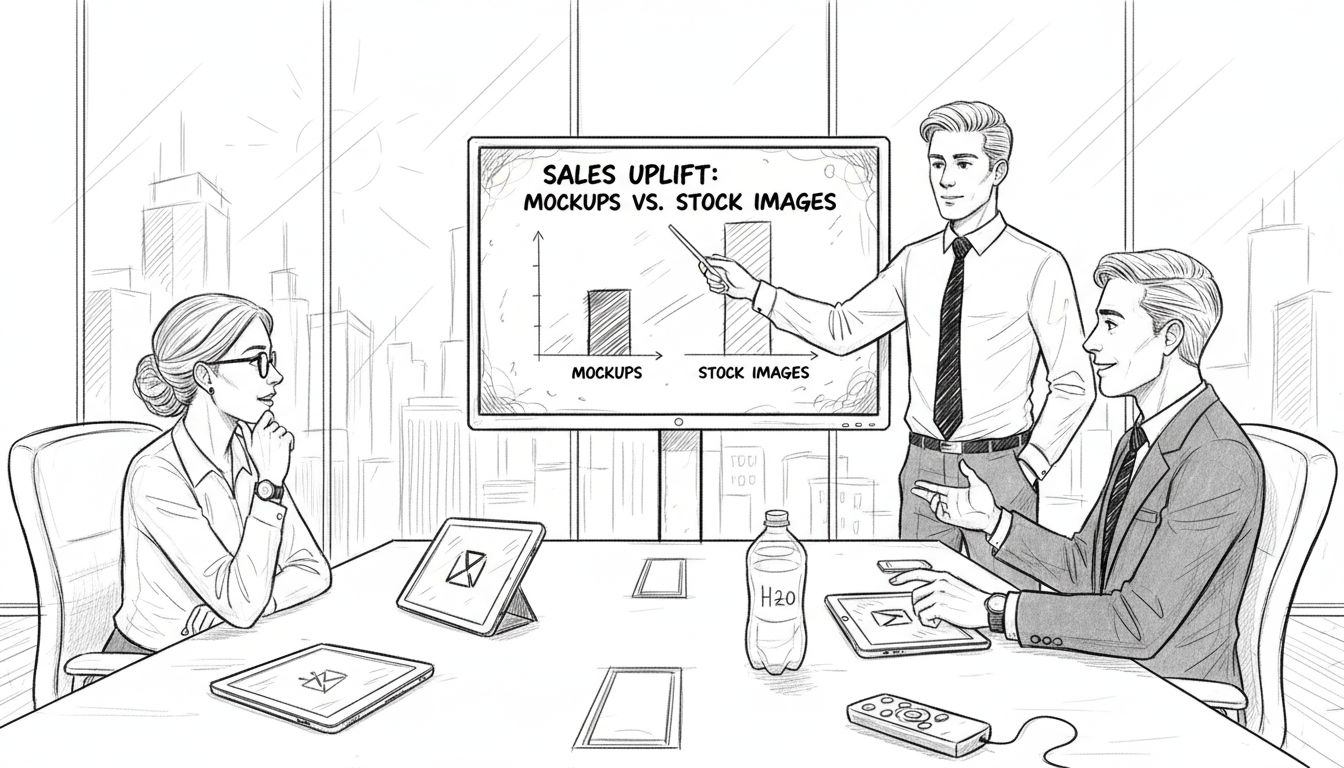
Typical sales uplift from premium specialized platforms averages 15% compared to using generic stock imagery. This improvement comes from better visual relevance, higher perceived quality, and stronger brand consistency. The ROI calculation is straightforward: if premium mockups cost $200 more annually but generate $2,000 in additional sales, the investment is clearly justified.
Explore the mockup workflow for tech accessories to understand how specialized platforms streamline your production process beyond just providing templates.
Bridging understanding to practical application: next steps for entrepreneurs
You now understand how photorealistic mockups transform tech accessory branding and sales. The final step is systematic implementation that turns knowledge into revenue. Following a structured approach ensures you maximize mockup benefits while avoiding common pitfalls.
Practical implementation checklist:
- Audit your current product imagery identifying gaps in quality, consistency, or coverage
- Research and select a mockup platform matching your device catalog and budget
- Establish brand guidelines for mockup customization including colors, backgrounds, and styling
- Create mockups for your top-selling products first to generate quick ROI
- Test mockup variations using A/B testing on product pages and ads
- Measure conversion rate changes, engagement metrics, and return rates
- Expand mockup coverage across your entire catalog based on proven results
- Schedule regular mockup updates when launching new products or refreshing brand elements
Continuous measurement separates successful mockup strategies from guesswork. Track specific metrics before and after implementing new mockups: conversion rates, bounce rates, time on page, social engagement, and customer feedback about product expectations. These data points reveal what works and guide optimization.
Best practices for long-term success include maintaining visual consistency as your brand evolves, updating mockups when device models change, and creating seasonal variations that keep your imagery fresh. Buyers notice when product pages look outdated or inconsistent.
The entrepreneurs who win with mockups treat them as core brand assets requiring the same strategic attention as product development or customer service. Your visual presentation is often the first and strongest impression potential customers receive. Make it count.
Explore premium mockups to elevate your tech accessory brand
Bettermockups specializes in photorealistic templates designed specifically for tech accessory entrepreneurs. The extensive catalog includes PSD and Canva formats for easy customization without advanced design skills. Every mockup features authentic lighting, accurate device proportions, and editable layers that maintain photorealism through your brand customization.
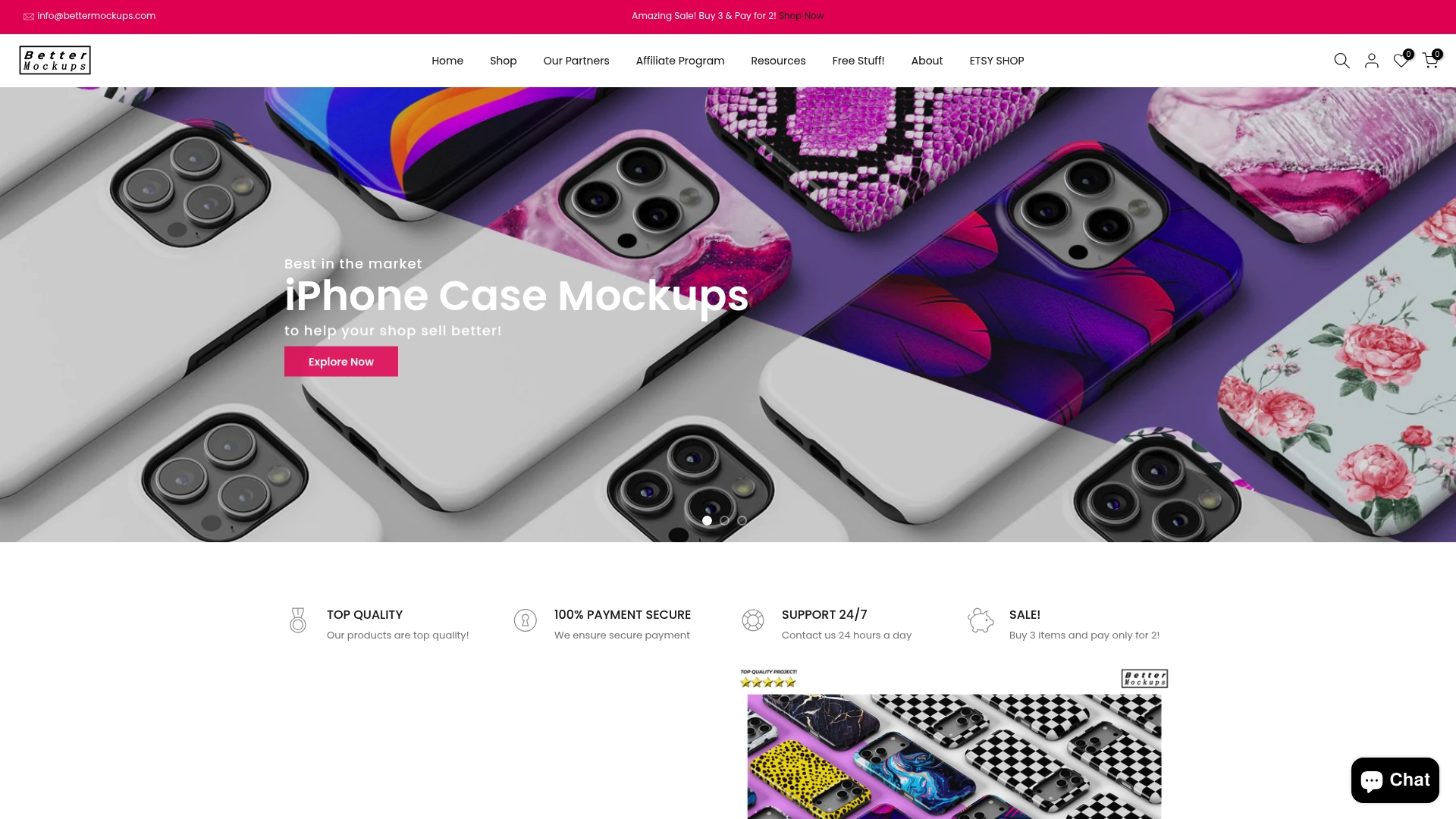
Specialized collections for AirPods case mockups and iPhone case mockups cover the latest device models with lifestyle and product-focused options. Animated mockup packages bring your products to life for social media campaigns that demand attention.
Premium mockups save hours of design time while delivering professional results that boost conversions and reduce returns. Browse all mockups in the shop to find templates matching your product line and start elevating your brand today.
Frequently asked questions
What are photorealistic mockups and why are they important?
Photorealistic mockups are digitally created product images featuring lifelike detail, realistic lighting, and contextual backgrounds that make items appear tangible. They’re important because they increase consumer trust by 30% and improve perceived product value by up to 25%, directly impacting conversion rates and reducing return rates for online sellers.
How do customized mockups improve brand consistency?
Customized mockups maintain visual consistency across all marketing channels by incorporating your specific brand colors, logo placement, typography, and styling choices into every product image. This cohesive presentation strengthens brand recognition, builds professional credibility, and increases audience engagement by up to 18% compared to generic, uncustomized templates.
Are animated mockups worth the extra cost for tech accessory marketing?
Animated mockups deliver 25% higher engagement on social media platforms, making them valuable for campaigns where attention and memorability matter most. However, static mockups remain more cost-effective and practical for standard product pages where loading speed and universal compatibility are priorities. Choose based on specific channel requirements and budget.
What should I look for when choosing a mockup platform?
Evaluate platforms on photorealism quality, ease of customization, specialization in tech accessories, coverage of your specific device models, and documented customer satisfaction scores. Premium specialized platforms typically score 20% higher in user satisfaction and deliver measurable sales improvements compared to generic stock image sites with limited tech focus.


