

Most tech accessory sellers believe creating stunning mockups is just a matter of uploading their design to any template. The reality? Mockup templates vary dramatically in quality, technique, and purpose. Product photos greatly influence purchasing decisions, making template selection critical. This guide breaks down the different types of mockup templates available and explains how photorealistic techniques can transform your tech accessory presentations and boost conversions.
Table of Contents
- The Role Of Photorealistic Mockup Templates In E-Commerce
- Core Types Of Mockup Templates Explained
- Technical Techniques Behind Photorealistic Mockup Templates
- Choosing And Applying The Right Mockup Templates For Tech Accessories
- Explore Photorealistic Mockup Templates To Boost Your Tech Accessory Sales
Key takeaways
| Point | Details |
|---|---|
| Template types matter | Different mockup formats (PSD, AI-rendered, video) serve specific presentation needs and quality levels. |
| Photorealism drives sales | Advanced Photoshop techniques like displacement mapping create realistic product visuals that build buyer trust. |
| Speed vs. quality trade-off | AI-generated mockups offer fast turnaround but may lack the polish needed for premium brand positioning. |
| Optimization balances impact | High-resolution mockups must be compressed for web use without sacrificing visual appeal or loading speed. |
The role of photorealistic mockup templates in e-commerce
Your product visuals are your silent sales team. When 75% of online shoppers say product photos strongly influence their buying decisions, the quality of your mockups becomes a revenue driver, not just decoration. Tech accessory sellers face unique challenges because buyers scrutinize fit, finish, and how designs integrate with their devices.
Many entrepreneurs assume any mockup will do the job. They grab a free template, insert their design, and wonder why conversions lag. The problem? Generic mockups fail to capture the precise lighting, texture, and perspective that make tech accessories look premium. A phone case mockup with flat lighting and unrealistic shadows signals low quality to buyers, even if your actual product is exceptional.
Creating photorealistic images requires mastering correct lighting angles, matching device surface textures, and maintaining realistic shadow depth. These elements work together to convince browsers that what they see matches what they’ll receive. When mockups achieve this authenticity, they elevate product perception and justify premium pricing.
“The difference between a good mockup and a great one is whether it makes the buyer forget they’re looking at a digital rendering.”
Photorealism matters especially for mock-ups in ecommerce listings where competition is fierce. Buyers scroll past dozens of similar products in seconds. Your mockup must stop that scroll by presenting your accessory as the most professional, desirable option. Authenticity builds trust, and trust converts browsers into buyers.
Core types of mockup templates explained
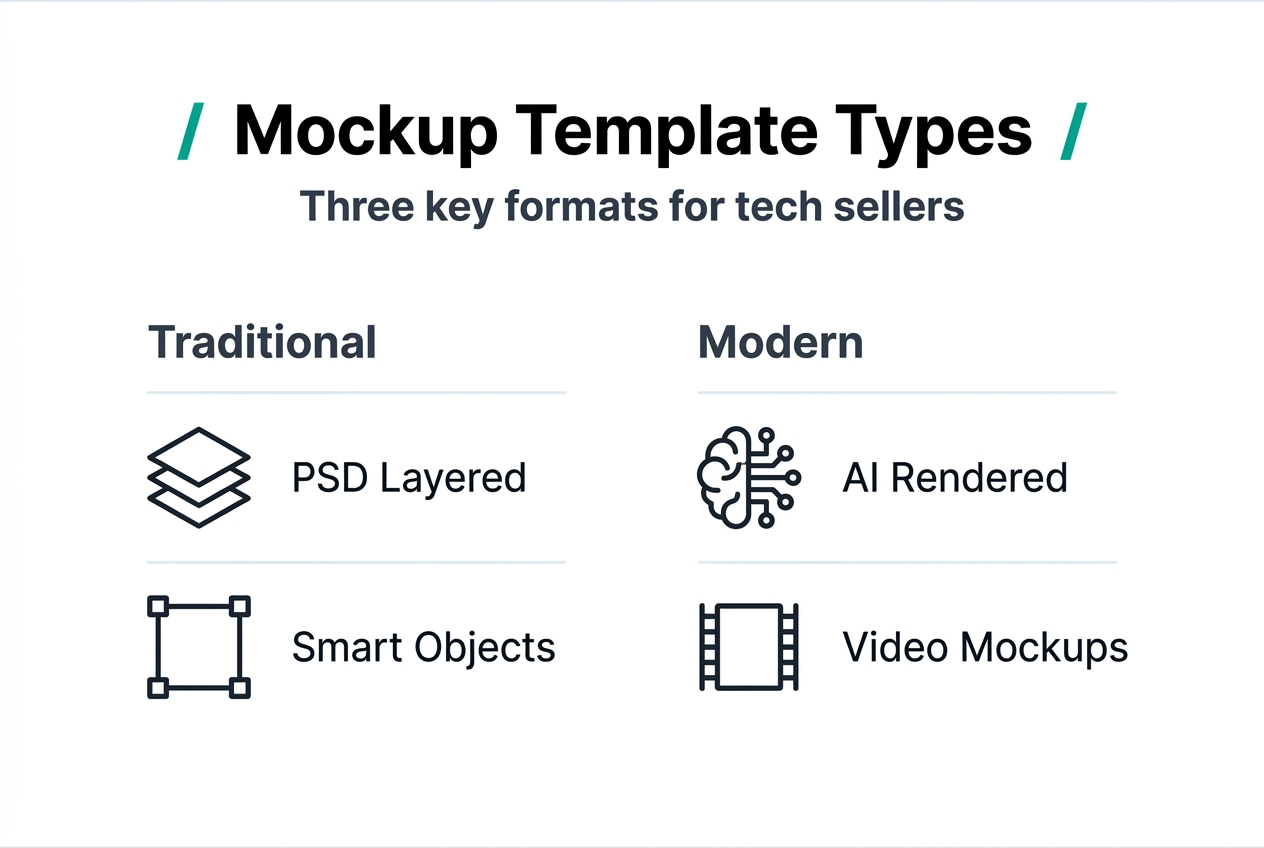
Understanding your template options helps you match the right format to your marketing goals and budget. Three primary categories dominate the mockup landscape, each offering distinct advantages.
PSD layered mockups represent the gold standard for photorealistic presentation. These Photoshop files contain multiple layers organized to accept your design through smart objects. You simply double-click the smart object layer, paste your artwork, save, and the template automatically wraps your design onto the product with correct perspective, shadows, and highlights intact. The layered structure gives you control over backgrounds, lighting adjustments, and detail refinement.
AI-generated mockups use machine learning to create product renders quickly. You upload your design and product specifications, and algorithms generate photorealistic images in minutes. AI product rendering offers speed and cost-effectiveness, making it attractive for startups and internal presentations. However, AI tools may produce inconsistent results with subtle texture mismatches or unnatural lighting that trained eyes notice.
Video mockups add motion to your presentations, showcasing products rotating or being handled. These video mockups excel on social platforms where movement captures attention in crowded feeds. They typically come as After Effects projects or pre-rendered clips where you replace design elements frame by frame or through dynamic linking.
| Template Type | Best For | Skill Level | Turnaround Time |
|---|---|---|---|
| PSD Layered | Premium listings, marketing materials | Intermediate | 5-15 minutes |
| AI-Generated | Rapid ideation, internal reviews | Beginner | 1-5 minutes |
| Video | Social media ads, product demos | Advanced | 30-60 minutes |
Each format serves different stages of your marketing funnel. Use AI for exploring design variations quickly, PSD files for polished marketplace listings, and video for engagement-focused campaigns. Mixing formats strategically maximizes your visual impact while managing production time.
Browsing new mockups regularly keeps your presentations fresh and aligned with current design trends. Pro Tip: Start with AI tools to validate design concepts internally, then invest time in PSD mockups for customer-facing materials where quality directly impacts conversion rates. Understanding types of mockup templates helps you build an efficient workflow.
Technical techniques behind photorealistic mockup templates
The magic behind convincing mockups lies in sophisticated Photoshop techniques that most sellers never see. Understanding these methods helps you evaluate template quality and troubleshoot issues when designs don’t look right.
Layering, masking, and blending form the foundation. Professional templates separate product elements into organized layer groups: base product, design area, highlights, shadows, and background. Masks control which parts of each layer remain visible, creating seamless integration. Blending modes determine how layers interact, allowing highlights to show through your design and shadows to appear beneath it naturally.
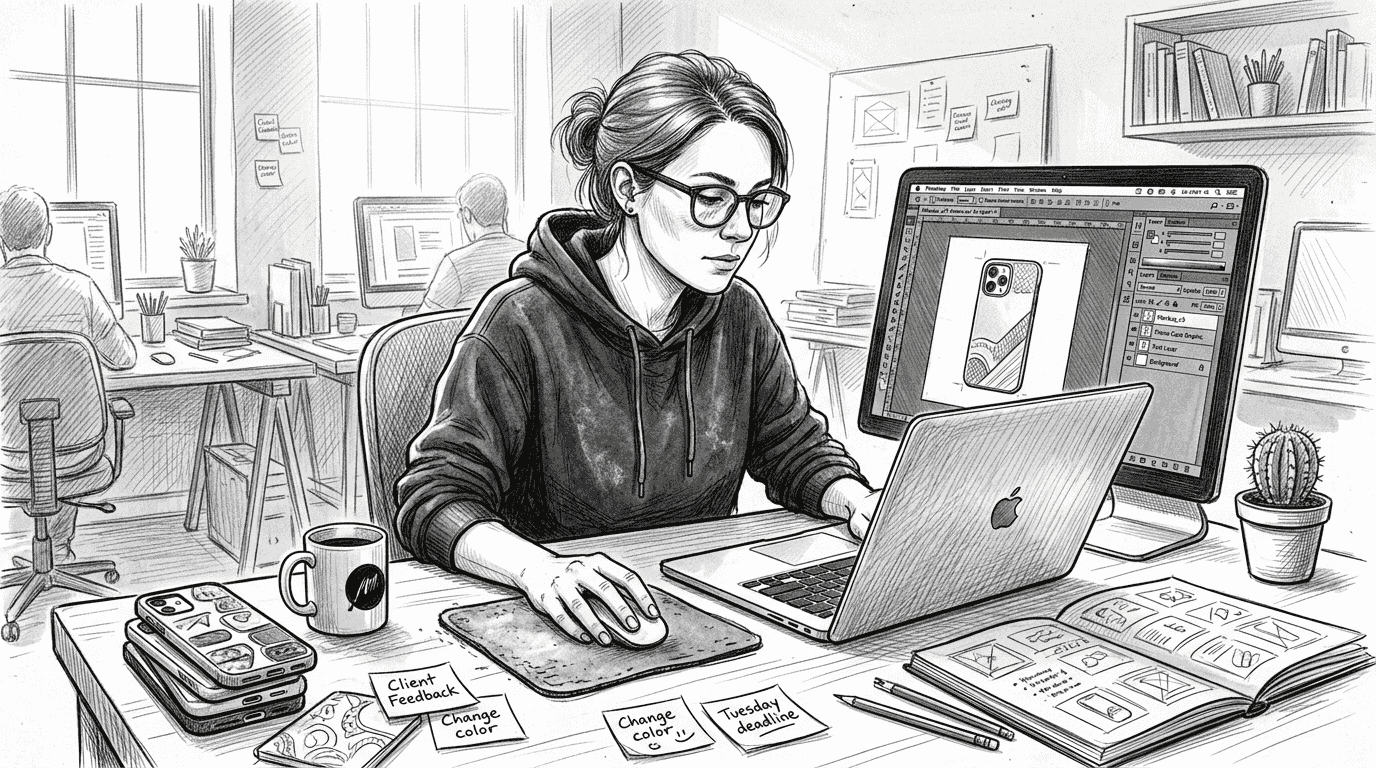
Smart objects revolutionize design replacement workflow. When you place your artwork into a smart object, Photoshop remembers the original file’s resolution and applies transformations non-destructively. This means you can scale, rotate, and warp your design without quality loss. Smart objects also enable batch updates: change the source file once, and all linked mockups update automatically.
Displacement mapping handles complex surface wrapping. This technique uses grayscale maps to push and pull your design based on the product’s three-dimensional form. Displacement maps wrap designs onto irregular surfaces like textured phone cases or curved AirPods cases, maintaining realistic distortion that matches how printed designs actually conform to physical products.
Blend-if sliders reveal underlying texture and lighting. These hidden controls in layer style dialogs let mockup creators punch through design layers selectively, exposing product highlights and preserving material texture. This technique ensures your flat artwork appears embedded in the product rather than pasted on top, maintaining tactile realism that separates premium mockups from amateur attempts.
Here’s how professional mockup creators structure their files:
- Capture or render base product photography with controlled lighting
- Separate product into logical layer groups (body, screen, edges, shadows)
- Create smart object placeholder matching design area dimensions
- Generate displacement map from product depth information
- Apply displacement to smart object with appropriate scale settings
- Add layer masks to integrate design edges seamlessly
- Configure blend-if sliders to reveal product highlights through design
- Optimize file size by flattening non-editable background elements
File setup balances resolution and web optimization. Professional templates start at 300 DPI for print-quality flexibility but include web-optimized versions at 72 DPI. Layer organization with clear naming conventions makes templates intuitive for non-designers to use successfully.
Pro Tip: When evaluating mockup quality, zoom to 100% and examine edge transitions between your design and the product surface. Premium templates show subtle texture blending and highlight preservation that cheaper alternatives miss. Learning how to use our mockups efficiently saves hours of trial and error. Understanding the mockup design workflow for product images helps you maintain consistency across your catalog.
Choosing and applying the right mockup templates for tech accessories
Selecting appropriate mockups requires matching template capabilities to your product characteristics and marketing platforms. Not every template suits every situation, and strategic choices amplify your presentation impact.
Match complexity to product surface characteristics. Flat accessories like card holders need simple displacement, while textured phone cases with grip patterns require advanced mapping. Choose templates specifically designed for your product category rather than generic electronics mockups. Phone case templates account for camera cutouts, button placements, and edge wrapping that generic templates miss.
Platform dictates format. Amazon and Etsy listings benefit from multiple-angle PSD mockups showing front, back, and detail views. Instagram and TikTok demand video mockups that showcase products in motion. Email campaigns perform well with lifestyle mockups placing products in contextual environments. Your distribution channel should guide template selection.
Optimize file sizes without sacrificing quality. High-resolution mockups can exceed 10MB, slowing page loads and hurting SEO. Experts recommend compressing images for web use while maintaining visual quality. Tools like TinyPNG reduce file sizes by 60-80% without visible degradation. Always keep original high-resolution versions for print materials and future editing.
Balance photorealism with loading speed. E-commerce platforms prioritize fast-loading pages in search rankings. While photorealistic detail drives conversions, images must load quickly on mobile devices. Target 150-300KB per product image after optimization. Use JPEG format for photographic mockups and PNG only when transparency is essential.
| Marketing Goal | Recommended Template | Optimization Priority |
|---|---|---|
| Marketplace listings | Multi-angle PSD set | Detail + reasonable file size |
| Social media ads | Video or animated mockup | Engagement + mobile compatibility |
| Email campaigns | Lifestyle scene mockup | Fast loading + visual appeal |
| Website hero images | Premium photorealistic PSD | Maximum quality + optimized delivery |
Testing different mockup styles reveals what resonates with your audience. Run A/B tests comparing photorealistic product-only shots against lifestyle scenes. Track conversion rates, time on page, and cart abandonment to identify which visual approaches drive sales. Your data might surprise you.
Pro Tip: Create a mockup library organized by product type, angle, and style. This systematizes your workflow and ensures consistent branding across all touchpoints. Implementing a structured mockup workflow for tech accessories prevents last-minute scrambles and maintains quality standards. Following proven step-by-step mockup design processes can significantly improve your conversion rates.
Explore photorealistic mockup templates to boost your tech accessory sales
You now understand how different mockup types, advanced techniques, and strategic optimization work together to create compelling product presentations. Putting this knowledge into practice requires access to professionally crafted templates designed specifically for tech accessories.
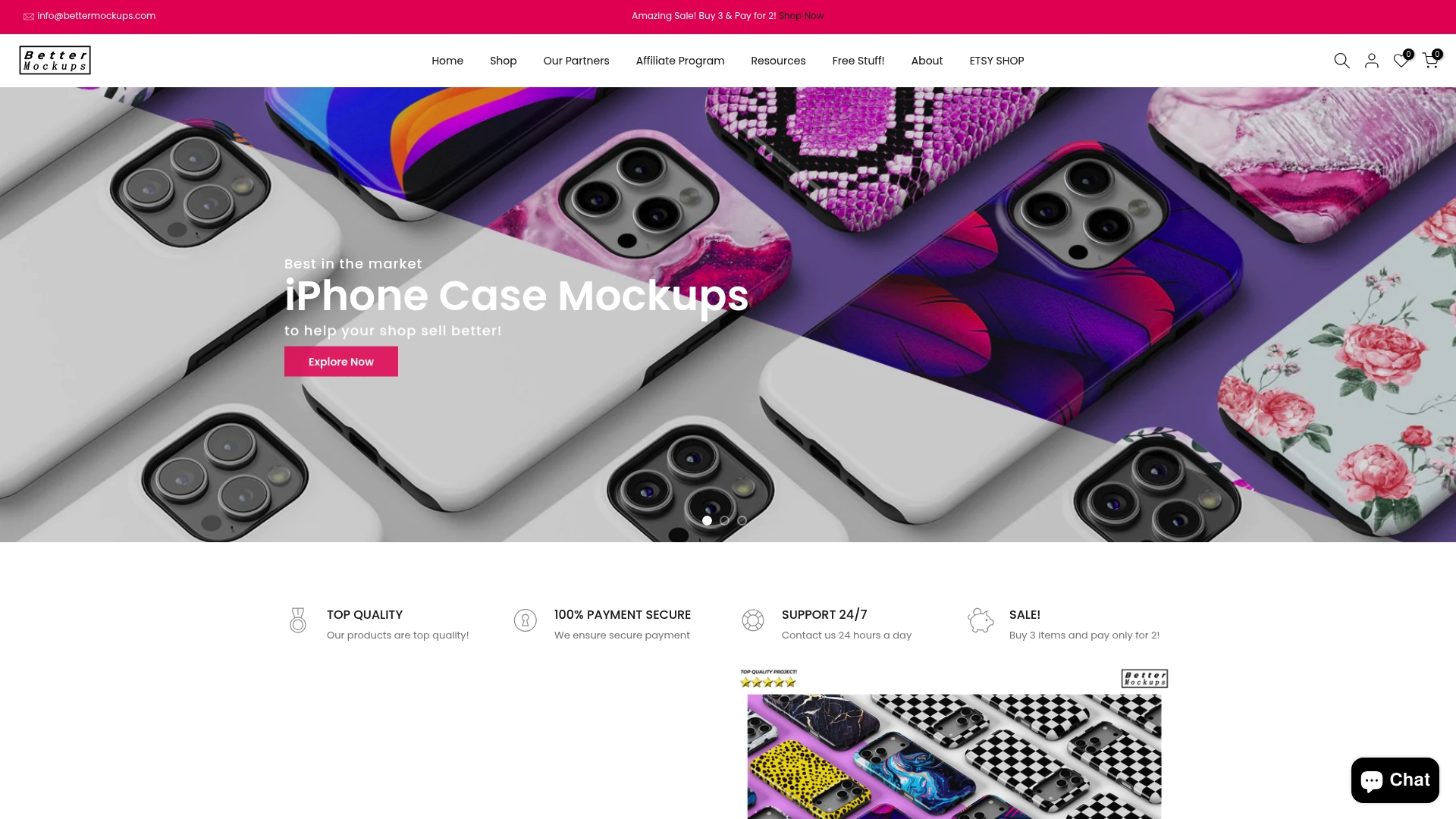
Bettermockups offers a curated collection of new mockups featuring the latest device models and trending accessory styles. Each template uses smart object layers for effortless design insertion, letting you create professional presentations in minutes rather than hours. Whether you need iPhone case mockups with precise camera cutouts or wireless charger mockups showing your branding in realistic environments, the platform provides templates that maintain the photorealistic quality your customers expect. Improving your visual marketing directly translates to increased buyer confidence and higher conversion rates.
FAQ
What are the most common types of mockup templates for tech products?
PSD layered files with smart objects, AI-rendered images, and video mockups represent the three primary formats. PSD templates offer maximum control and realism through Photoshop’s advanced tools. AI-generated mockups provide speed for rapid concept testing. Video formats add dynamic presentation for social media engagement.
How do AI-generated mockups compare to traditional PSD mockups?
AI mockups excel at speed and cost-effectiveness, generating renders in minutes ideal for internal reviews and concept validation. AI tools may lack consistency for premium client-facing materials. PSD mockups provide superior control over lighting, texture, and detail refinement, making them better suited for marketplace listings and marketing campaigns where quality directly impacts conversion rates.
What Photoshop techniques ensure realistic mockups?
Layered PSD files employ displacement maps, smart objects, and blending modes to wrap designs realistically onto complex surfaces. Displacement mapping distorts artwork to match three-dimensional product contours. Blend-if sliders reveal underlying highlights and textures through design layers. These techniques combined maintain lighting authenticity and material accuracy that convinces buyers they’re viewing real products.
How can I optimize mockup images for faster website loading?
Use compression tools to reduce file sizes by 60-80% without visible quality loss. Experts recommend optimizing images with services like TinyPNG before uploading to your store. Target 150-300KB per image for optimal balance between visual quality and loading speed. Faster loading improves user experience, reduces bounce rates, and positively impacts search engine rankings. Always maintain high-resolution originals for print materials while serving compressed versions online.


